
For Sony Alpha shooters · iPhone & iPad
Sony Alpha app.
Made for iPhone.
Alpha Lume brings your Sony Alpha shots to iPhone and iPad. An independent app for iOS and iPadOS: connect over Wi-Fi, find your favorites, and save them straight to Apple Photos.
iOS & iPadOS 26 or later · TestFlight

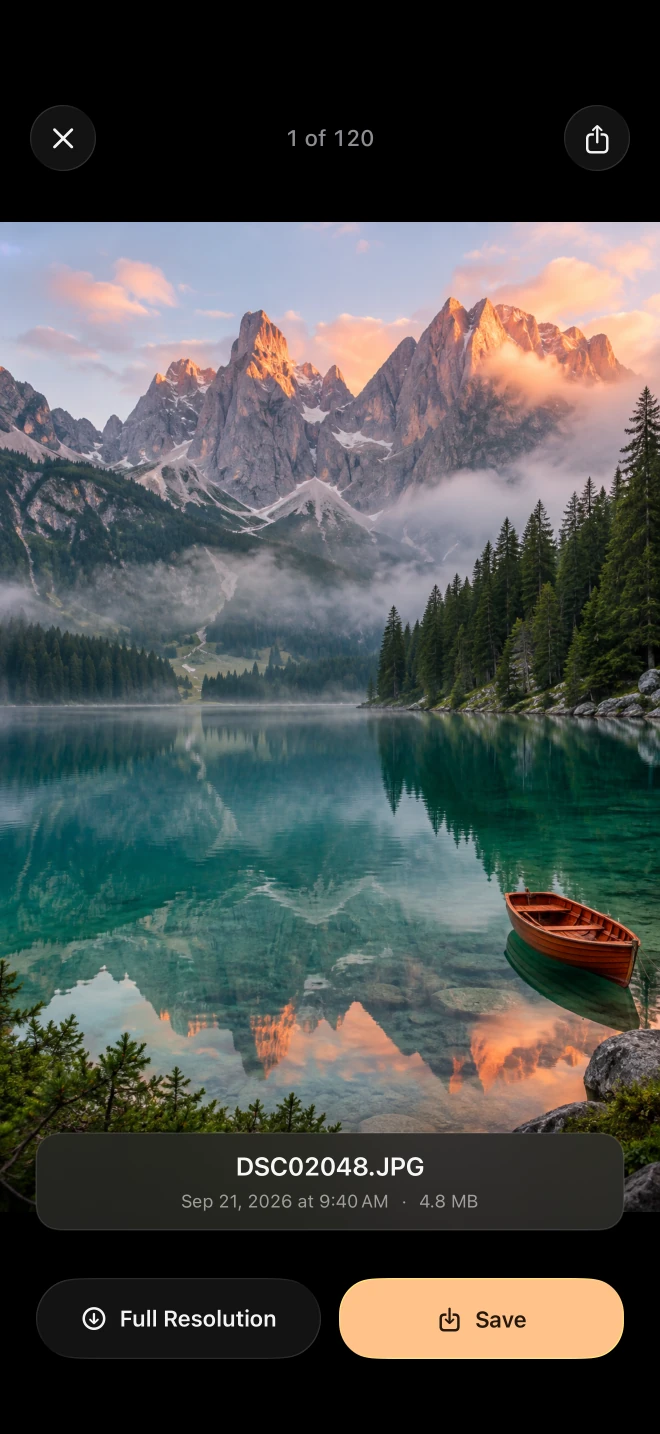

DSC02048.JPG4.8 MB 
DSC02051.JPG5.1 MB 
DSC02063.JPG5.6 MB 
DSC02077.JPG4.4 MB 
DSC02084.JPG5.3 MB 
DSC02090.JPG5.0 MB
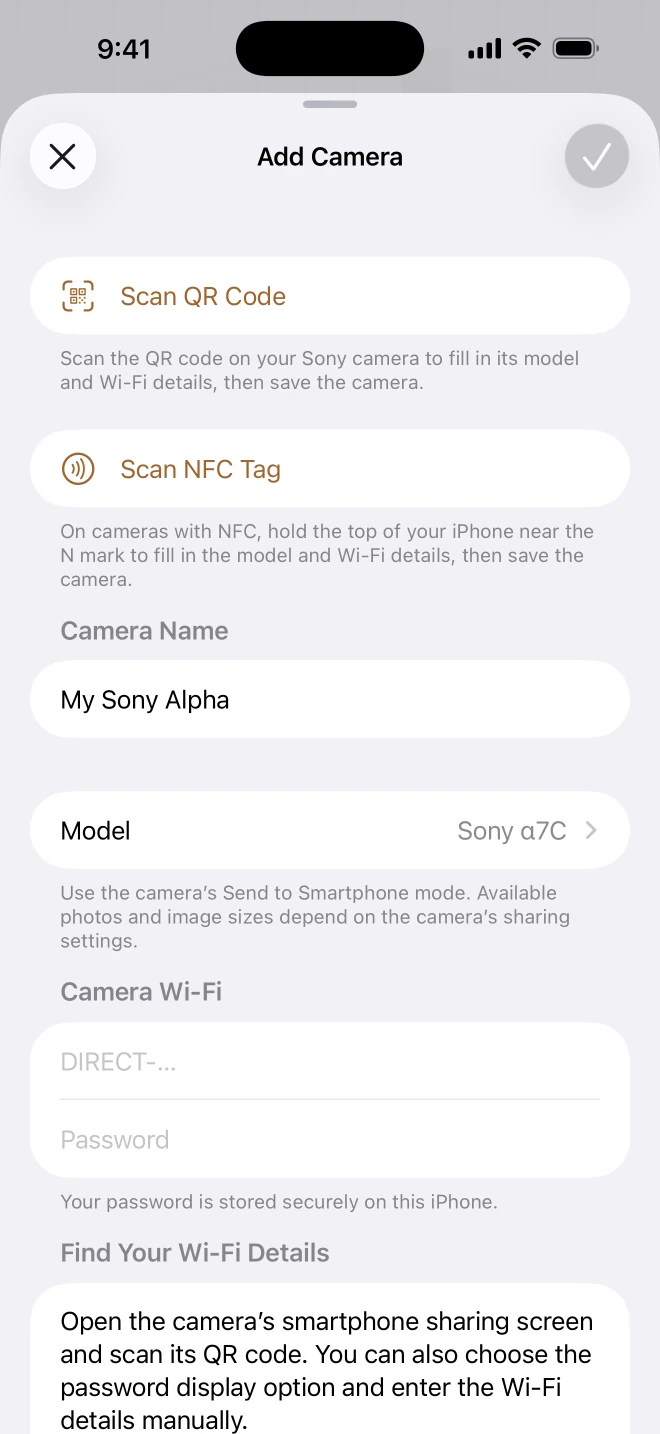
01Connect
Pair once. Pick up anytime.
Connect with a QR code, NFC, or Wi-Fi details. Save your camera and reconnect with a tap.
02Explore
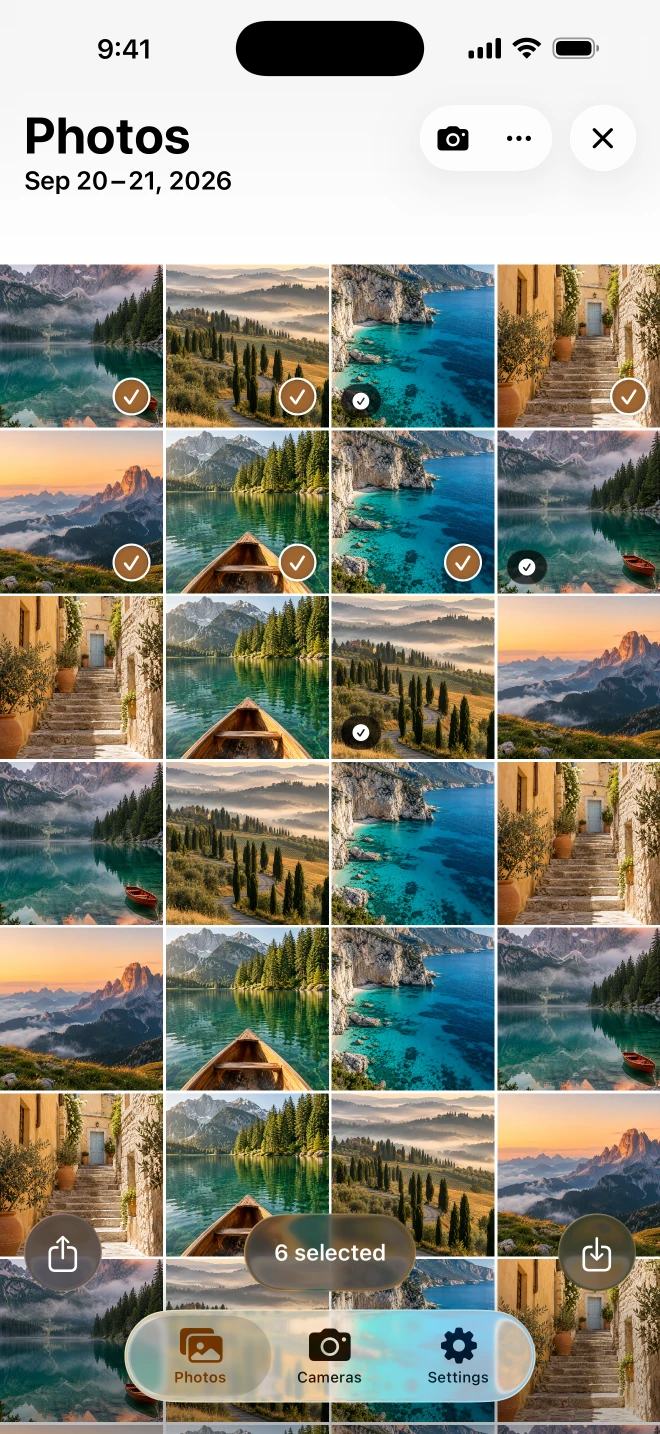
Find the ones you love.
Browse by date, zoom into the details, and swipe across a whole set to select it. Your camera’s library, with a familiar feel.
03Keep
Ready for your camera roll.
Save photos and MP4 videos to Apple Photos, or share straight into another app. Long saves keep going in the background, and you can follow each one as it happens.
DSC02048.JPGDSC02051.JPGDSC02063.JPG4.8 MB5.1 MB5.6 MBSaving to Photos

Beta · TestFlight
Help shape Alpha Lume.
Try the beta on your iPhone or iPad and tell us what your camera does, what it doesn’t, and what you would like next.
Requires iOS or iPadOS 26 or later.
The fine print
Sony Alpha camera compatibility.
Alpha Lume is an independent companion app. It connects to your camera directly and keeps nothing else.
Read the privacy policy- Tested with
- Sony α7C (Sony a7C / ILCE-7C), on real hardware.
- Other models
- Cameras that share photos through Imaging Edge Mobile may work. Compatibility depends on the camera and its firmware.
- Pairing
- QR code, NFC, or manual Wi-Fi setup. NFC requires iPhone and a compatible camera. Creators’ App pairing is not supported.
- Formats
- JPEG, HEIF, and MP4. RAW transfer is not supported.
- File size
- Up to 1 GB per file. Available files and resolution depend on your camera’s sharing settings.
- Accounts
- None. The app talks to your camera directly.
- Analytics & ads
- None. You choose what to save and what to share.
Before you connect your camera.
What is Alpha Lume?
Alpha Lume is an independent Sony Alpha photo transfer app for iPhone and iPad. Connect to your camera over Wi-Fi, browse photos and MP4 videos, then save your picks to Apple Photos or share them with another app. It requires iOS or iPadOS 26 or later and is currently available through the TestFlight beta.
Which Sony Alpha cameras work with Alpha Lume?
Alpha Lume has been tested on real Sony α7C hardware. Other cameras that use Imaging Edge Mobile for photo sharing may work, but have not been individually verified. Compatibility depends on the model and firmware. Cameras that require Creators’ App pairing are not supported by the current connection workflow.
Is Alpha Lume an official Sony app?
No. Alpha Lume is independently developed and is not affiliated with Sony. It offers a photo browsing and transfer workflow for compatible cameras; it does not replace every feature of Imaging Edge Mobile or Creators’ App.
Can I transfer RAW files or full-resolution photos?
RAW transfer is not supported. Alpha Lume supports JPEG, HEIF, and MP4 files up to 1 GB each. The camera controls the files and resolution it shares: a photo may be resized or converted to JPEG by the camera, depending on its sharing settings.
Do I need an account or internet connection to transfer photos?
No account is required. Photos transfer directly over the camera’s Wi-Fi network, without uploading to an Alpha Lume cloud service. You need internet access to install TestFlight and the beta; the camera connection itself is local.
Ready to connect? Follow the Sony Alpha to iPhone transfer guide.